
Log in with Silo
Silo is the easiest way to watch PirateFin. It is in active development and will soon become our full, official service — we recommend starting with it now. Each person in your home gets their own profile, with its own history and suggestions (and an optional PIN).
Sign in
Section titled “Sign in”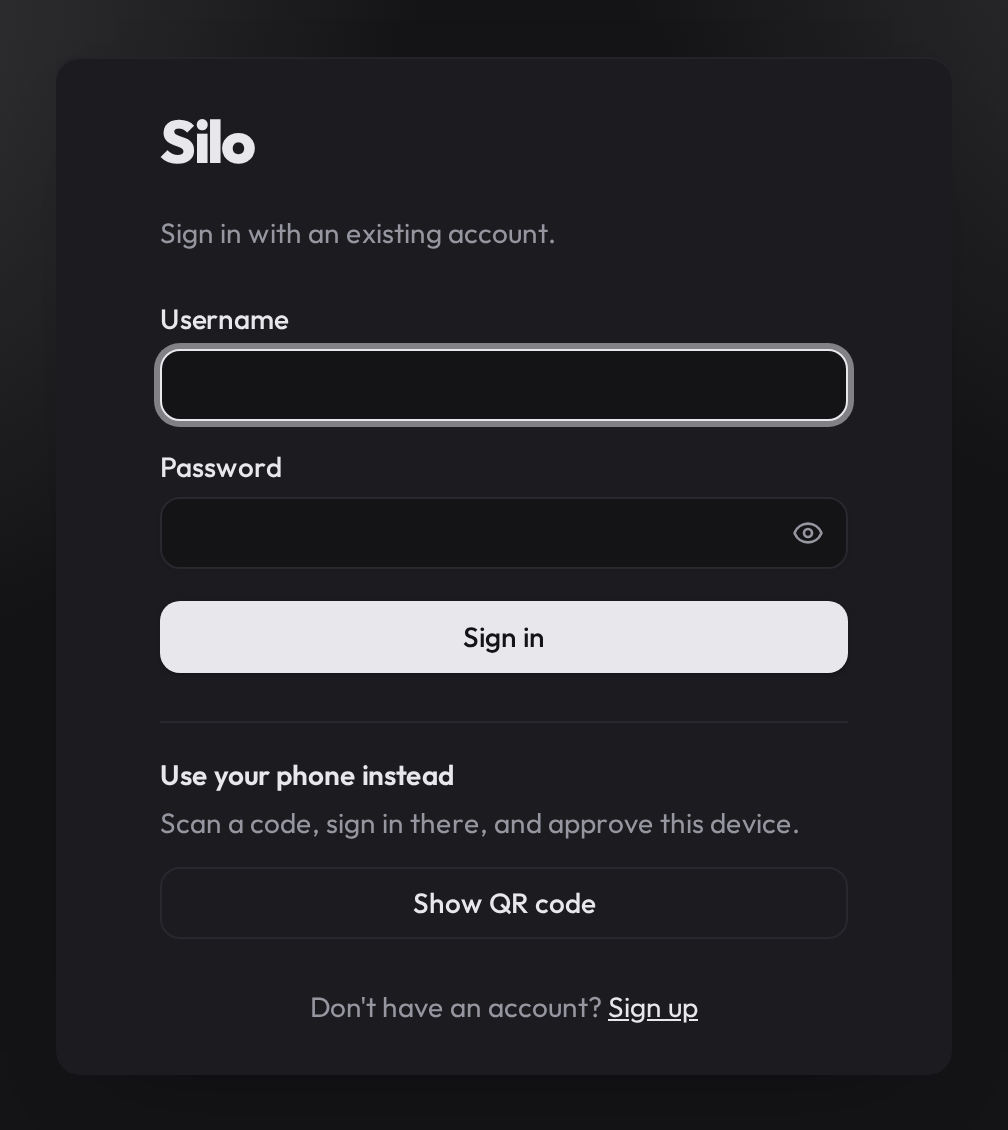
- Install Silo from your device’s app store.
- Open it and type your username and password.
- Tap Sign in, then tap your profile (type a PIN if it asks).
That’s it — you’re ready to watch. 🎉
Prefer a different app?
Section titled “Prefer a different app?”You can also reach Silo from a Jellyfin app. Enter Silo’s address when it asks
for a server, then sign in. Jellyfin apps have no profile picker, so you choose
your profile with a # in your username (and your PIN in your password):
| What to enter | Example |
|---|---|
| Server address | your-silo-server-address |
| Username (with profile) | alice#kids |
| Password (if the profile has a PIN) | yourpassword#1234 |
Profile names ignore capital letters, so alice#Kids and alice#kids are the same.
Trouble signing in?
Section titled “Trouble signing in?”- Double-check your username and password — they are case-sensitive.
- See Troubleshooting, or contact us.